
Access ITV with a Valid UK Postcode – Quick & Easy
Unveiling the Secrecy of UK Postcodes for ITV Access
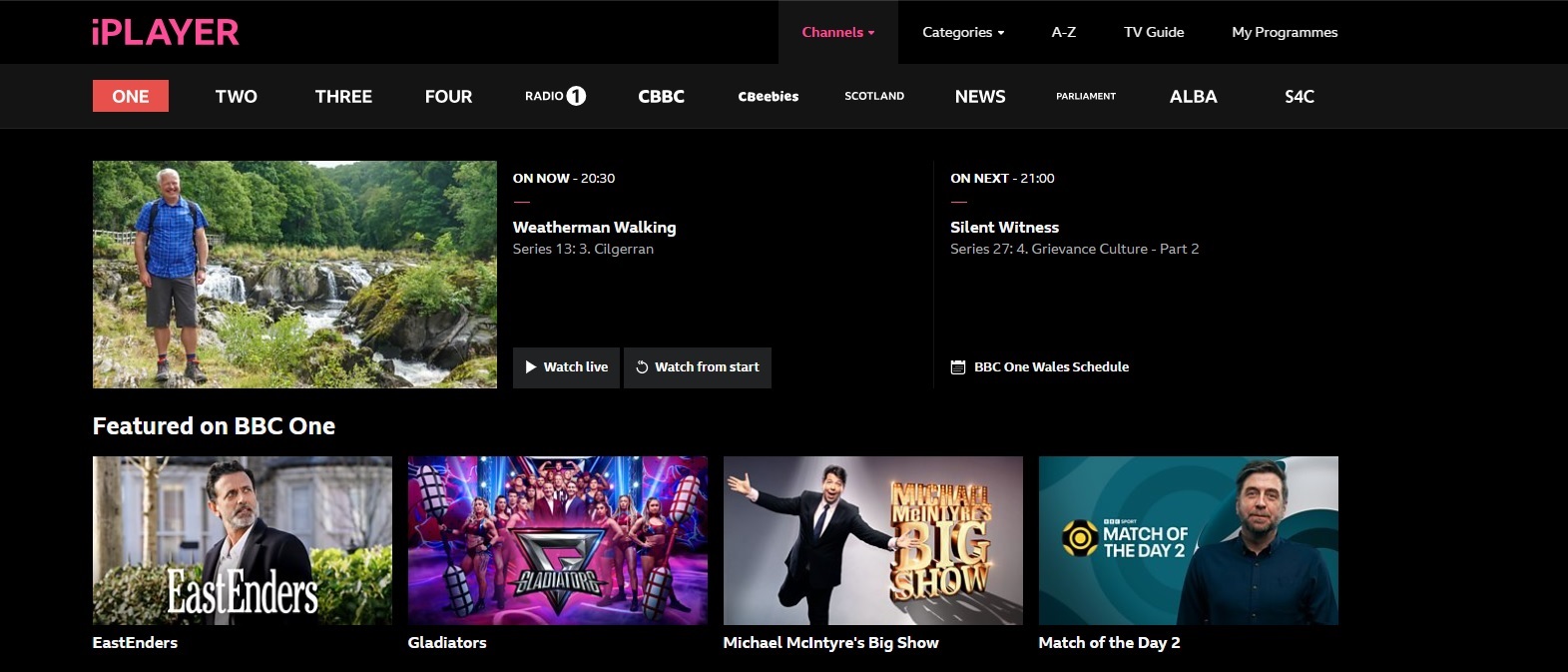
Well, it’s not really a secret but many people seem to think that they need a UK postcode to watch ITVX and BBC iPlayer which is simply not true. You will get asked for a postcode usually when registering, however you don’t have to prove you live at a corresponding address or anything.
ITV Postal Code Summary
When completing the registration for ITVX or BBC iPlayer you will be asked for a UK postcode.
- You can supply any VALID UK Postcode (no proof of residence required).
- There is no Postcode Check (other than it’s a valid UK Post code)
- Your location is determined from your IP address only.
- You need a VPN service like NordVPN with UK servers if you’re outside the UK.
Here’s a List of 20 Random UK postcodes
You can use any one of these as validation in the ITVX or BBC iPLayer Registration. It doesn’t really matter, however each site will use this as your location and you will get local news from that area. So for example, the first one is a London postcode so you’ll get London local news and some London specific programmes. The majority of both sites are identical though and you can change your locale in the settings tab of the account page anyway.
1. EC1A 1BB
2. W1A 0AX
3. M1 1AE
4. B33 8TH
5. CR2 6XH
6. DN55 1PT
7. S1 2BJ
8. BS34 7QS
9. PH1 1DG
10. L1 8JQ
11. G1 2AA
12. EH1 1YZ
13. BT1 4QG
14. LL11 2BF
15. HU1 1AA
16. NE1 4ST
17. SN1 1AB
18. RG1 2AG
19. DE1 1BU
20.PO1 1AF
Understanding the UK Postcode System
The United Kingdom’s postcode system is a meticulously organized method designed to simplify mail delivery. These postcodes, consisting of five to seven alphanumeric characters, are more than just arbitrary codes; they’re the keys to unlock specific geographic locations. The system divides the country into postal regions and districts, each code unique to an average of 15 addresses. Understanding this pattern is crucial, particularly when services like ITV require a valid UK postcode for access.
Why ITV Requires a Valid UK Postcode
To access ITV’s content, they ask for a valid UK postcode, and you might wonder why this little detail is so important. The primary reason is regional programming variations. Like many television networks, ITV offers content tailored to different parts of the UK, which means what viewers in London see could differ from those in Scotland. By inputting a valid postcode, ITV ensures you get the regional programming meant for your area. This is not to restrict content unfairly, but to adhere to broadcasting and copyright laws designed to cater to an audience based on location.
The Step-by-Step Guide to ITV Bliss
Step 1: Selecting a VPN with UK Server Options
Before you stream your favorite British shows, you’ll need to select a Virtual Private Network (VPN) with UK server options. This is a pivotal step as not all VPNs are created equal, especially when it comes to unblocking ITV. You’ll want a VPN that not only has servers in the UK but also those that are optimized for streaming services.
A reliable VPN should actively monitor and ensure its UK servers can bypass the geo-restrictions imposed by ITV, giving you seamless access with a fake IP address and without the headache of constant buffering or blackouts.
Remember, look for a VPN that:
- Has a multitude of UK servers
- Offers fast streaming speeds
- Provides strong privacy protection
- Is known for reliably unblocking ITV
- Receives regular updates and maintenance to keep up with streaming site changes
Step 2: Creating an ITV Account with a Genuine UK Postcode
Once your VPN is up and running with a UK-based server, it’s time to create an ITV account. A crucial part of this process is entering a genuine UK postcode. Fortunately, if you’re not based in the UK, you can still find a valid postcode through various means. You will also be asked for a UK TV licence, you’ll need to say you have one – don’t worry they don;t check if you don’t.
First, try the Royal Mail’s Postcode Finder online tool – it’s officially recognized and straightforward. Or, if you’re looking for a quick solution, you can use an online postcode generator like http://www.doogal.co.uk/PostcodeGenerator.php, which can create a postcode for you. Opt for a London-based postcode to avoid any regional content restrictions. Remember to keep your information consistent, as providing a valid postcode is a necessary step for ITV to ensure you’re directed to the right regional content.
Be ready to also provide your email and a secure password, and then you’re all set to enjoy ITV’s vast library of shows and live TV.
Navigating Region-Specific Content Safely
How VPNs Mask Your Location for ITV Content
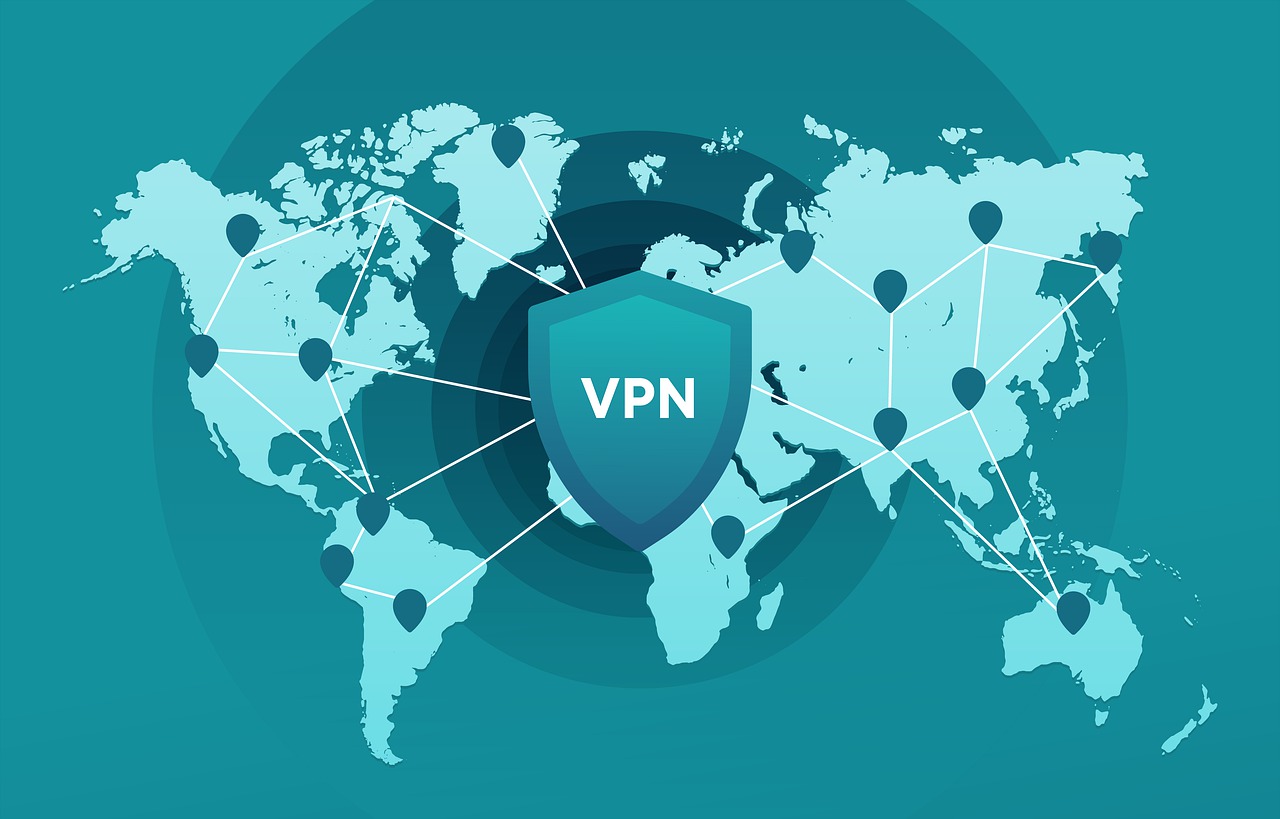
VPNs are the perfect disguise for your online location, especially when it comes to accessing region-based content like that of ITV. When you connect to a VPN with servers in the UK, your internet traffic is routed through one of these servers. As far as ITV is concerned, your digital presence originates from the UK, thanks to the UK IP address that the VPN provides. This way, the streaming service recognizes you as a viewer within its licensed region.
The VPN achieves this by encrypting your data and sending it through a secure tunnel, masking your actual IP address and location. Hence, even if you’re soaking up the sun on a beach in California or meandering through a market in Marrakech, ITV will only see the UK IP address provided by your chosen VPN service.
Legal Considerations: Using UK Postcodes from Abroad
When it comes to the legality of using a UK postcode from abroad to access ITV, rest assured, you’re in a safe zone. While it might go against some streaming services’ terms of use to access their content from outside the designated region, using a UK postcode in itself is not illegal. The purpose of the postcode restriction is generally to ensure that those accessing their service are doing so within the intended region due to broadcasting rights.
However, bypassing geo-restrictions with a VPN is a different matter. While it’s not illegal in most countries to use a VPN, the act of circumventing geo-blocks can breach the terms of service of the streaming platform. This could potentially lead to your account being suspended. Therefore, it’s essential to understand the potential risks and to check the terms of service for the streaming platform as well as local laws regarding VPN usage.
Maximizing Your ITV Experience
Best Practices for Seamless Streaming on ITV Hub
For uninterrupted streaming bliss on ITV Hub, there’s a lineup of best practices you’d do well to follow. Start by ensuring that your internet connection is robust and stable; after all, even the best VPN can’t compensate for a spotty Wi-Fi signal. Secondly, clear your browser’s cache regularly to avoid any location conflicts and to keep things running smoothly. If you’re using a VPN app, make sure it’s updated to the latest version to benefit from the newest servers and security features.
Another smart move is to connect to a server in a city like London, where there are likely to be more servers and less congestion. Lastly, for the highest streaming quality, check that you choose a VPN known for high speeds and strong unblocking abilities so you can enjoy your favorite British shows without lag or interruption.
Troubleshooting Common ITV Access Issues
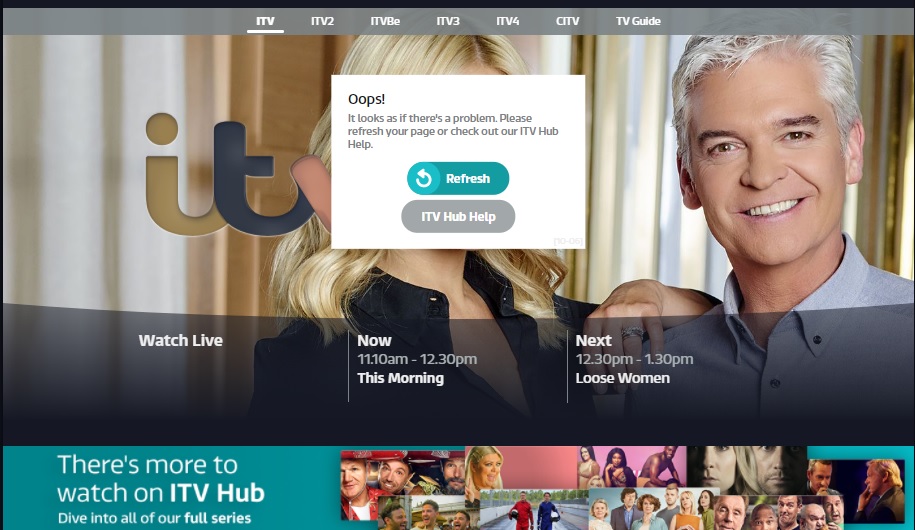
At times, you might face glitches while trying to indulge in your favorite ITV shows. Don’t fret; with a few troubleshooting tips, you can usually be back to streaming smoothly in no time. If you encounter an error message, first check your internet connection and restart your router—sometimes, the simplest fix is the most effective. Ensure that any software updates for your device are installed.
If problems persist, consider reinstalling the ITV app to iron out any bugs. Another common issue might be that ITV service itself is down or experiencing difficulties, so checking their official updates or social media can be insightful. If all else fails, don’t hesitate to reach out to your ISP or ITV’s customer support for more assistance. They’re there to help you get back to enjoying your content.
FAQs
Can I Watch ITV Without a UK Postcode?
No, ITV typically requires a valid UK postcode to register an account and access their content as they cater to a UK audience. However, with tools to generate or find a UK postcode and a VPN, you can enjoy ITV shows.
Are There Any Risks Associated with Using a Non-UK Postcode?
Using a non-UK postcode to access ITV services won’t work, you will not be able to register an account without supplying a UK postcode. You must use a valid UK postcode to stay within guidelines.
Use the Same UK Postcode for BBC iPlayer
BBC iPlayer will also ask you for a postcode when you get to the registration screen for an iPlayer account. It must be from the UK and will also be used to customize your browsing experience when using the app or the web site.
Do Free VPN Services Work Well for ITV Access?
Free VPNs often struggle with streaming services like ITV due to slow speeds, limited servers, and frequent blocks. For a reliable experience, a paid VPN service is recommended. Remember you must use a UK VPN or proxy for these sites to work, you’ll get blocked if you use anything else like a German or Australian proxy!